> For the complete documentation index, see [llms.txt](https://docs.nubrick.app/llms.txt). Markdown versions of documentation pages are available by appending `.md` to page URLs; this page is available as [Markdown](https://docs.nubrick.app/start/quickstart-1/account.md).
# アカウントの発行
### 1. アカウントを作成
[https://nativebrik.com/signup](https://app.nativebrik.com/signup) にアクセスします。
サービス利用規約、個人情報保護方針をチェックした上で、Googleでサインイン、またはメールアドレスとパスワードを入力し次へ進みます。
### 2. 認証コードを確認
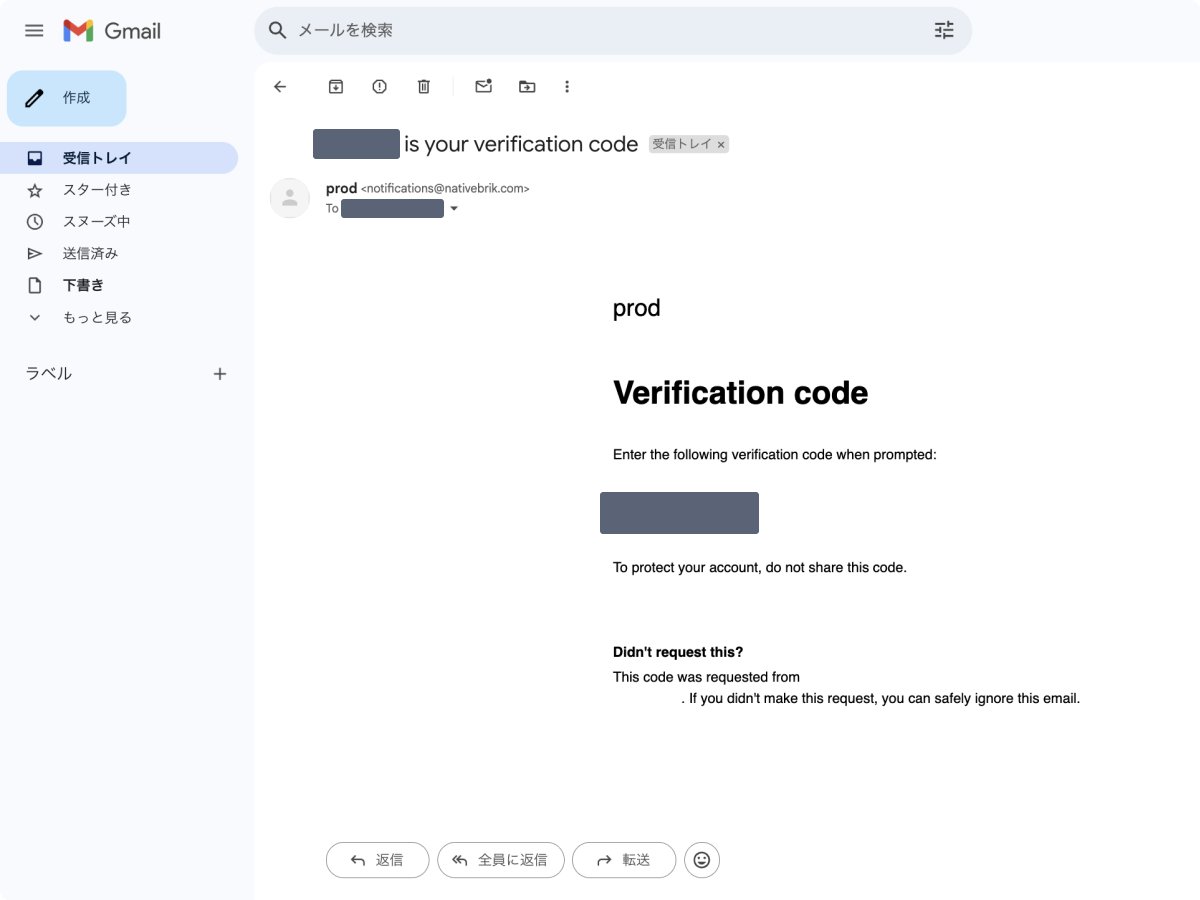
`notifications@nativebrik.com`から、「XXXXXX is your verification code」 という件名のメールが届きます。
メールに記載されている認証コードをコピーして入力画面にペースト、次へ進みます。
{% hint style="warning" %}
メールが届かない場合は迷惑メールフォルダもご確認ください。迷惑メールフォルダに入っている場合はメール上部の「問題ない」をクリック後、認証コードをご利用ください。
{% endhint %}
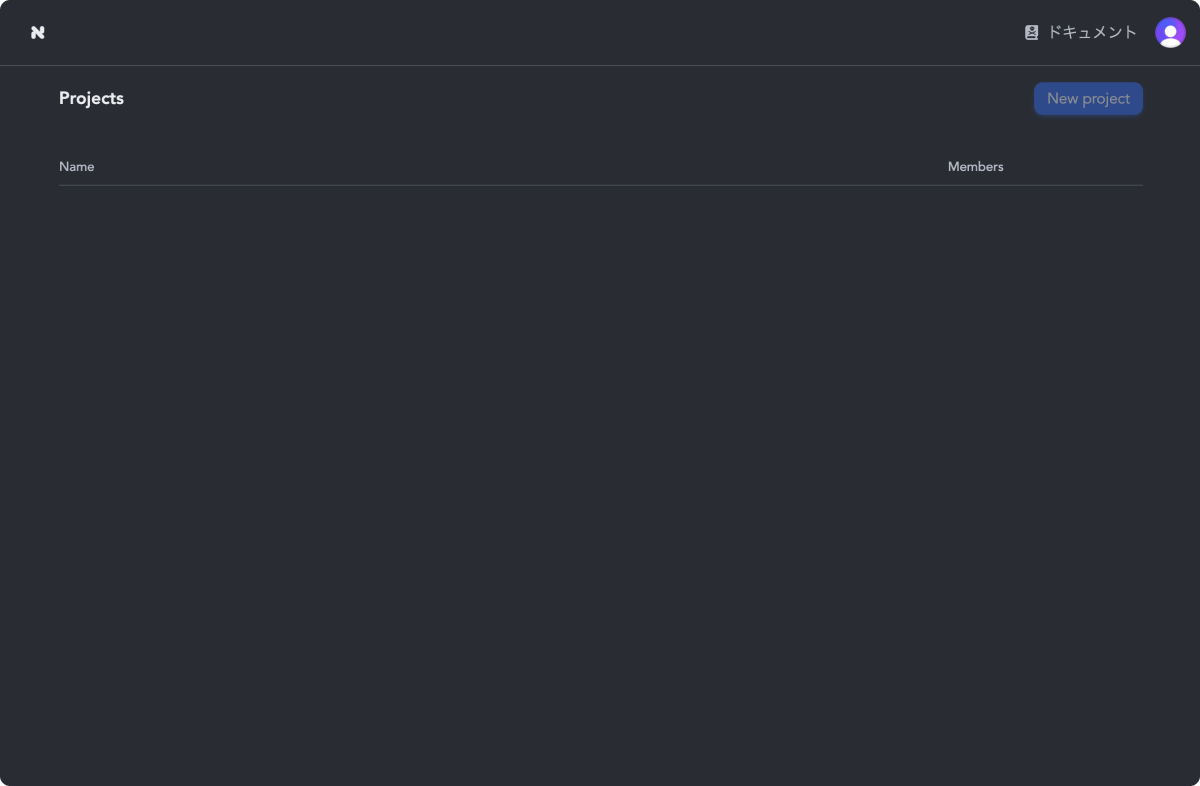
下記の画面が表示されれば成功です。
{% hint style="warning" %}
Closed β期間はプロジェクト作成が権限上不可となっているため、Nubrickメンバーからプロジェクトへの招待をお待ちください。
{% endhint %}
### 3. 招待リンクからプロジェクトに参加する
Nubrickメンバーから、プロジェクトへの招待リンクを受け取ります。
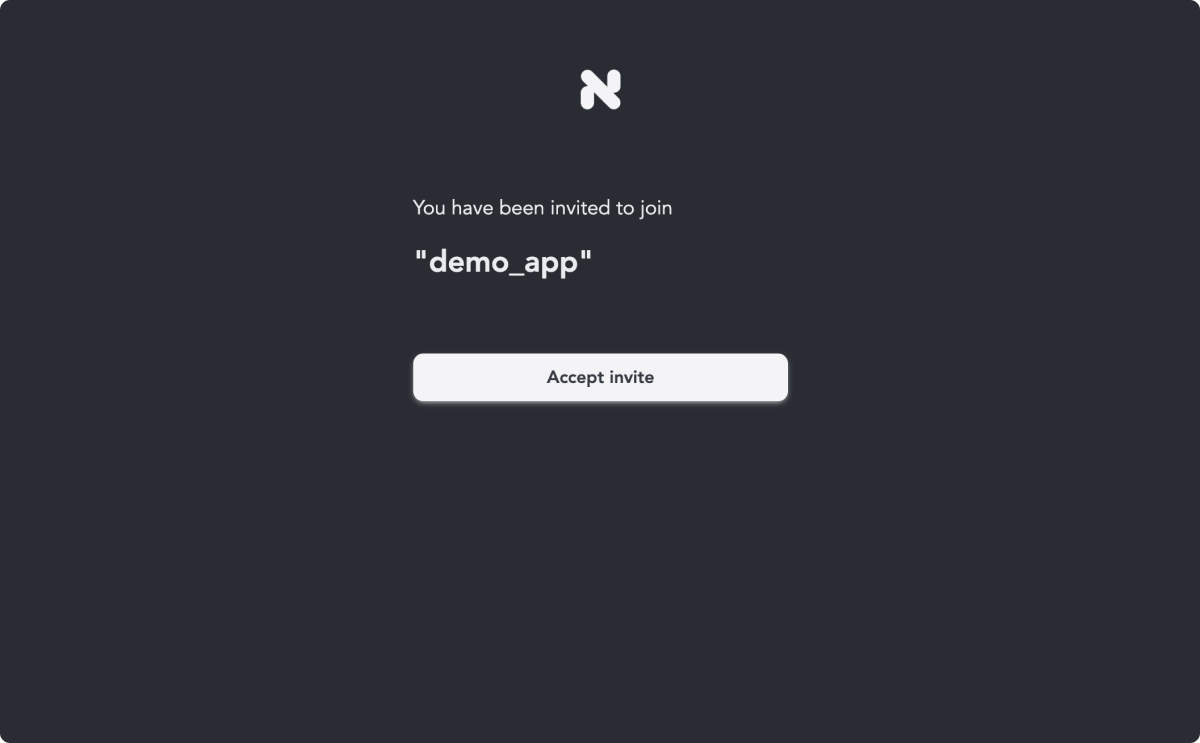
招待リンクをクリックすると、プロジェクト名が記載された下記のような画面が表示されます。
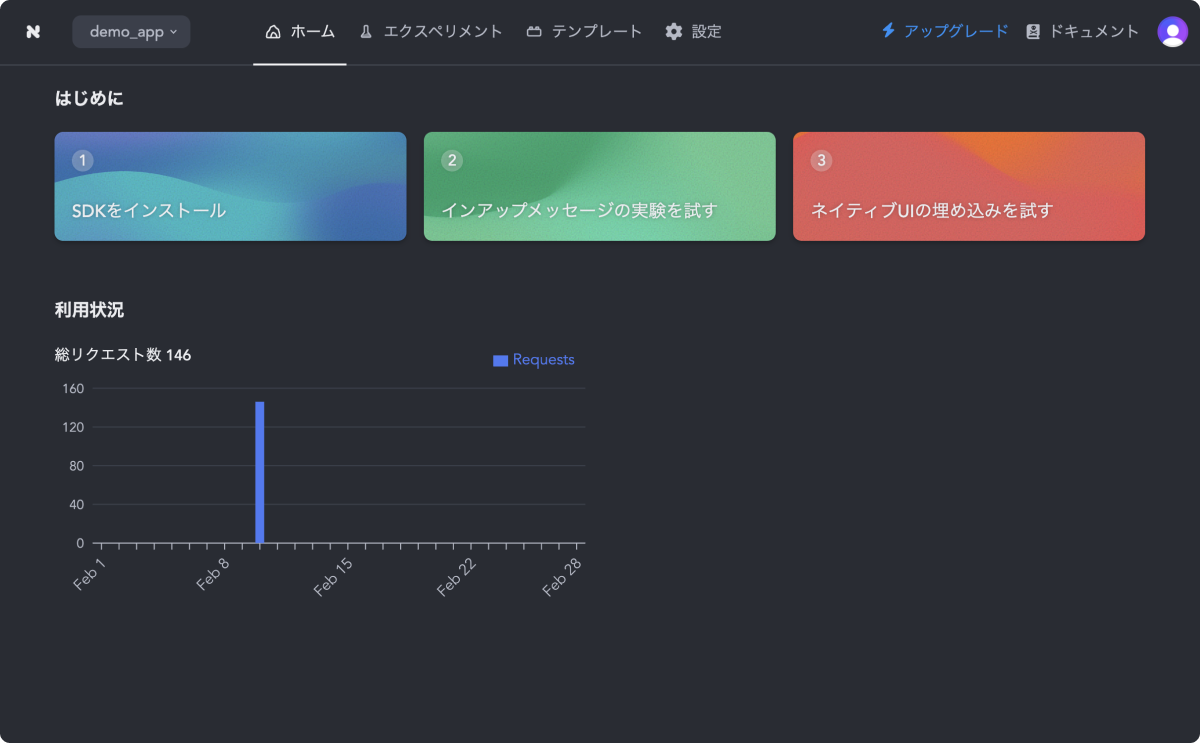
`Accept invite`をクリックし、先ほど作成したアカウントでログインを行い、管理画面が表示されたら完了です。
---
# Agent Instructions
This documentation is published with GitBook. GitBook is the documentation platform designed so that both humans and AI agents can read, navigate, and reason over technical content effectively. Learn more at gitbook.com.
## Querying This Documentation
If you need additional information that is not directly available in this page, you can query the documentation dynamically by asking a question.
Perform an HTTP GET request on the current page URL with the `ask` query parameter, and the optional `goal` query parameter:
```
GET https://docs.nubrick.app/start/quickstart-1/account.md?ask=&goal=
```
`ask` is the immediate question: it should be specific, self-contained, and written in natural language.
`goal` is optional and describes the broader end goal you are ultimately trying to accomplish on behalf of the user. GitBook uses it to tailor the answer towards what is most useful for that goal.
The response will contain a direct answer to the question and relevant excerpts and sources from the documentation.
Use this mechanism when the answer is not explicitly present in the current page, you need clarification or additional context, or you want to retrieve related documentation sections.
%20(1).png?alt=media)